Technology guide
What to Do After Clicking a Suspicious Link
Immediate steps to protect your accounts and device after selecting a suspicious link.
Read guide: What to Do After Clicking a Suspicious Link
Digital inclusion • Accessibility • AI education
I help older adults, people with disabilities, caregivers, families, and organizations build digital confidence through patient guidance, accessible technology education, AI learning, and practical tech support.

Building digital confidence
I provide clear, judgment-free guidance designed around how each person learns. The goal is not dependence on tech support. It is greater confidence, independence, safety, and connection.
How I help
One-on-one coaching, workshops, and digital literacy support for everyday technology.
Explore learning support →Accessibility features, adaptive tools, and personalized setups that make technology easier to use.
Explore accessibility →Help with communication, healthcare portals, devices, accounts, and essential online services.
Explore practical support →AI education, scam prevention, digital organization, and tools that support independence.
Explore AI learning →Start with what feels familiar
Get help recognizing suspicious messages and building safer online habits.
Explore online safetyMake sense of settings, apps, passwords, and the things you use every day.
Find patient device helpLearn useful ways to try AI, with clear guidance on privacy and accuracy.
Explore AI learningExplore text size, captions, voice tools, and accessible setups that fit you.
Find accessibility supportFind simpler ways to support a loved one’s connection and independence.
Talk about family supportBring approachable technology education to the people your organization serves.
Explore community programsWhat working together looks like
You can start with a question, a frustration, or something you wish you could do. We’ll take it one step at a time.
Share what you’re trying to do and what feels difficult. We’ll talk about the kind of support that makes sense for you.
We’ll use plain language, work at your pace, and make room for questions and practice.
We’ll review what you’ve learned and the steps you can try again on your own.
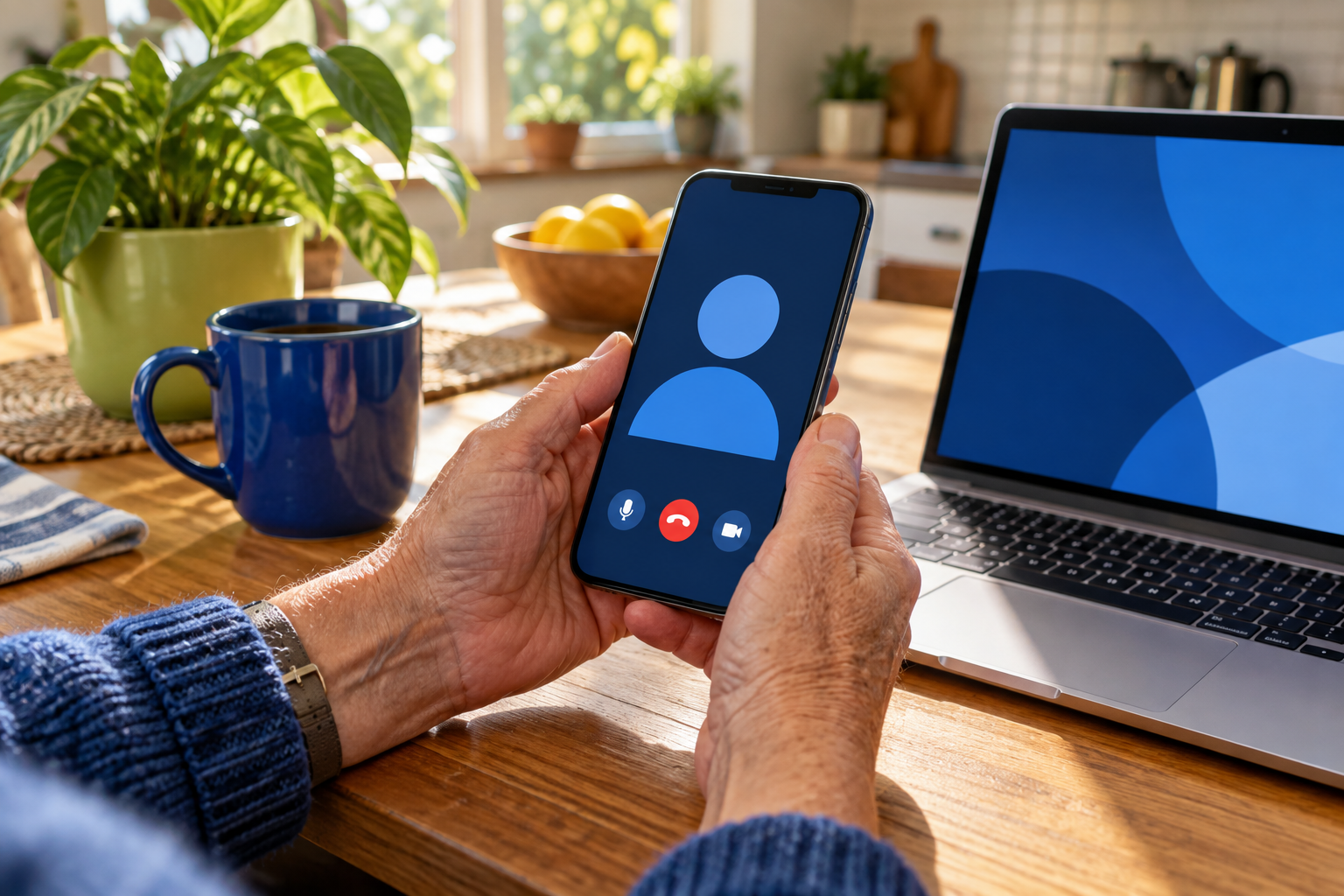
Everyday technology support
I help with phones, computers, tablets, Wi-Fi, passwords, email, printers, smart devices, patient portals, and other everyday technology. I explain what is happening, work at your pace, and help you understand what to do next.
Explore Practical SupportAI without the hype
Explore AI for writing, planning, accessibility, communication, learning, and daily tasks with clear guidance on privacy, accuracy, and responsible use.
Explore AI Learning
Accessibility
I help people use built-in accessibility features, voice controls, screen readers, captions, magnification, simplified layouts, adaptive input tools, and more.
Explore Accessibility
Meet your technology guide
I started LV Tech Connect because too many people feel excluded by technology that should make life easier. You will work directly with me, receive patient explanations, and never be made to feel embarrassed for asking a question.
Learn more about me →Community partnerships
I partner with libraries, healthcare providers, disability organizations, senior living communities, nonprofits, municipalities, and faith communities.
Keep learning
Technology guide
Immediate steps to protect your accounts and device after selecting a suspicious link.
Read guide: What to Do After Clicking a Suspicious LinkTechnology guide
A practical checklist for getting ready for an online medical appointment.
Read guide: Preparing for a Telehealth AppointmentTechnology guide
A simple explanation of AI, what it can do, what it cannot do, and how to use it responsibly.
Read guide: What Is Artificial Intelligence? A Plain-Language IntroductionStart where you are
Tell me what feels difficult, what you are trying to do, or who you are hoping to help. I will help you choose the clearest next step.